
Learn how to set up AmendFlow for the first time on your computer.
Installing AmendFlow on macOS is slightly different from installing most traditional applications. While the overall process is familiar, there is one additional step required during first-time setup.
In this guide, we'll go through the complete setup process to ensure AmendFlow is installed correctly and ready to use.
Step 1
To get started, download the installer from our Downloads page. You'll see two versions available: Apple Silicon and Intel.
Not sure which one you need? We've included a quick guide on that page to help you choose the correct version.
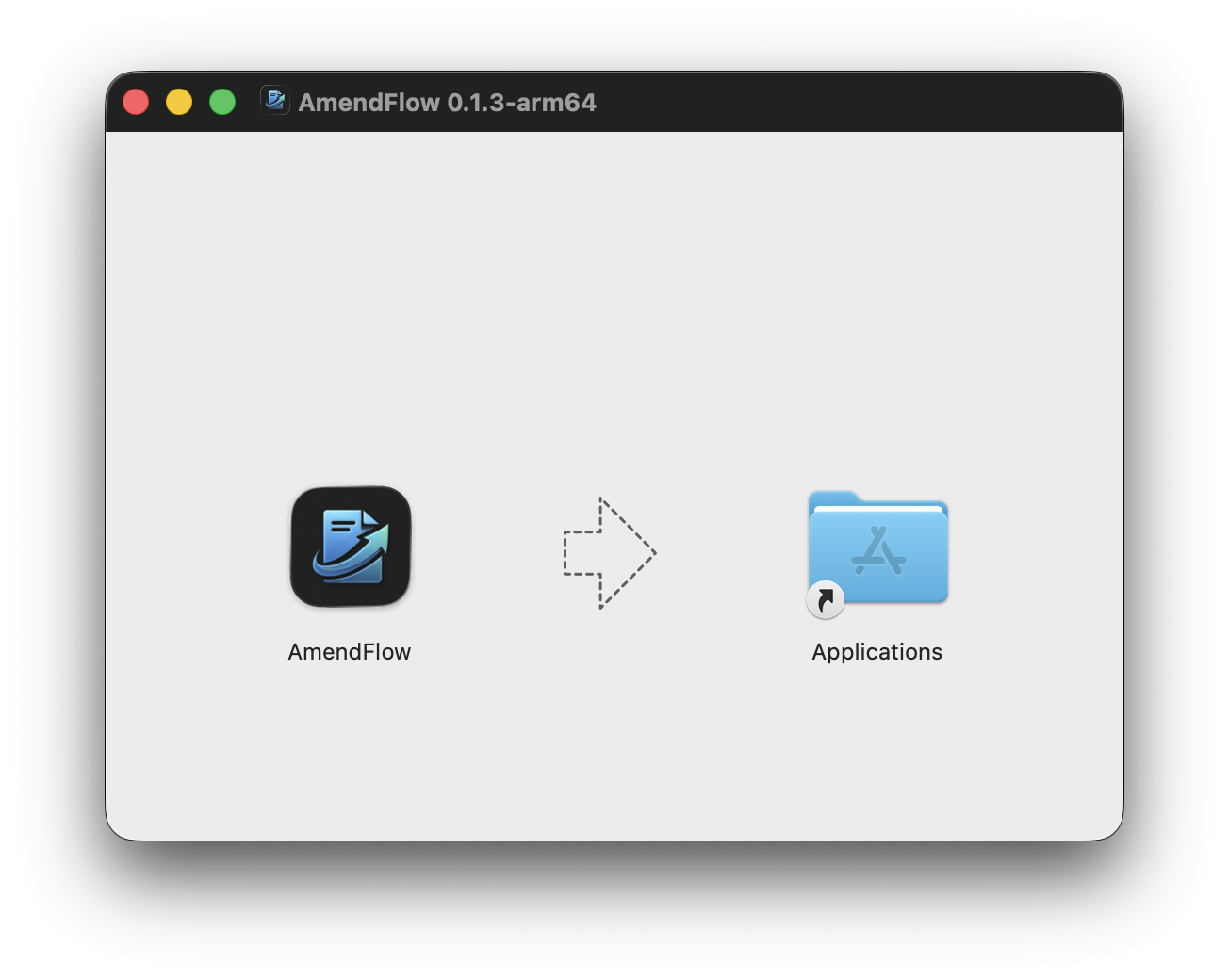
Once the download is complete, open the installer and drag AmendFlow into your Applications folder.
Step 2
By default, macOS restricts applications that are not signed with an Apple Developer certificate. Because AmendFlow is not code signed, you'll need to complete one additional step before you'll be able to launch it.
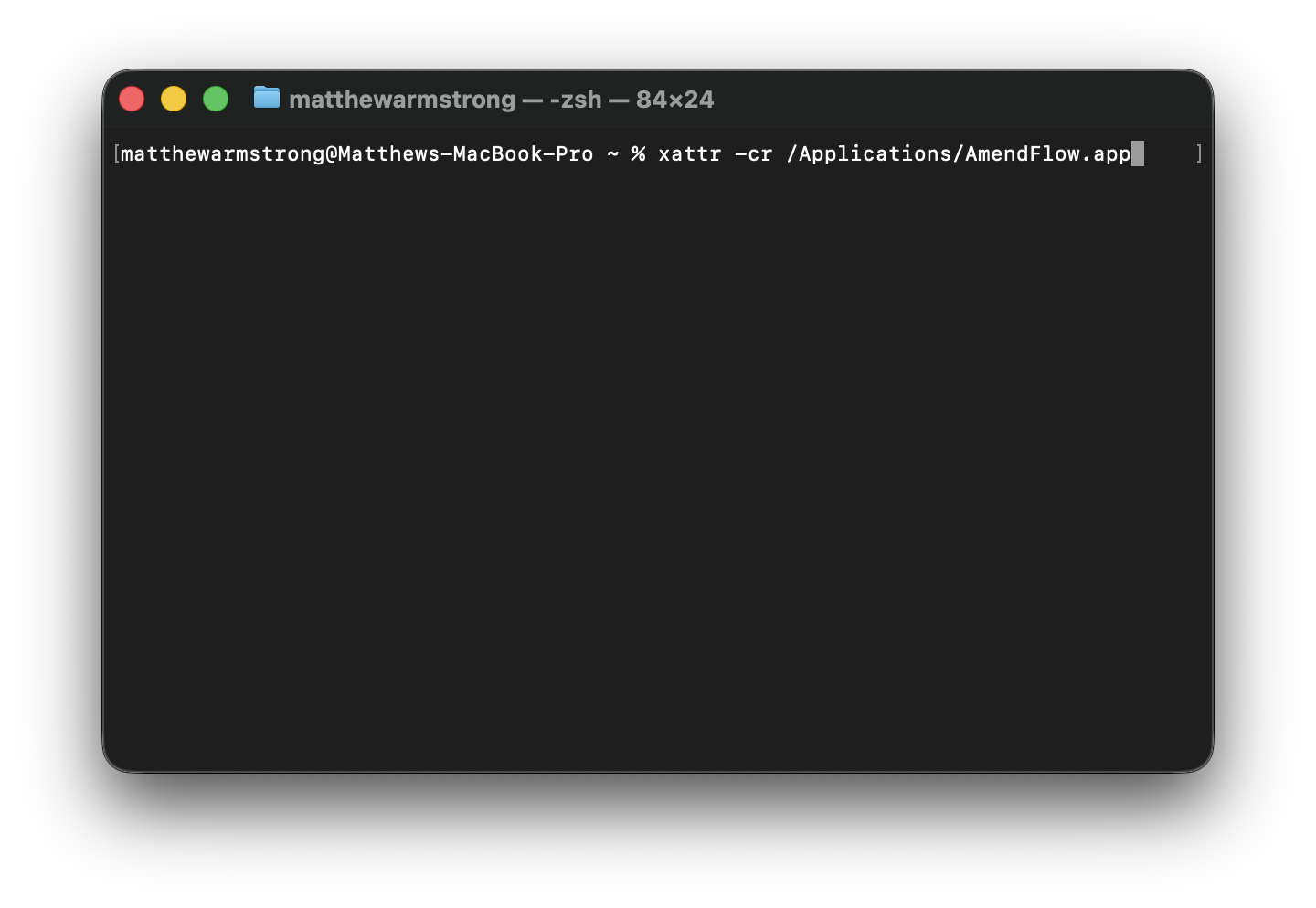
Open Terminal and run the following command:
xattr -cr /Applications/AmendFlow.app We hope this guide made this process straightforward and easy to follow. If you run into any issues, have questions about setup, or have ideas for future improvements, we'd love to hear from you.